Your back hurts. Again.
You’ve been sitting at your desk for six hours straight, and your shoulders are tight. Your neck feels stiff. You’re fidgeting constantly, trying to find a comfortable position that doesn’t exist.
Sound familiar?
You’re not alone. Millions of office workers face this daily struggle. The solution might be simpler than you think: a standing desk.
But before you rush to buy one, let’s explore what makes standing desks effective, which type suits your needs, and how to choose the right model without wasting money.
What Exactly Is a Standing Desk?
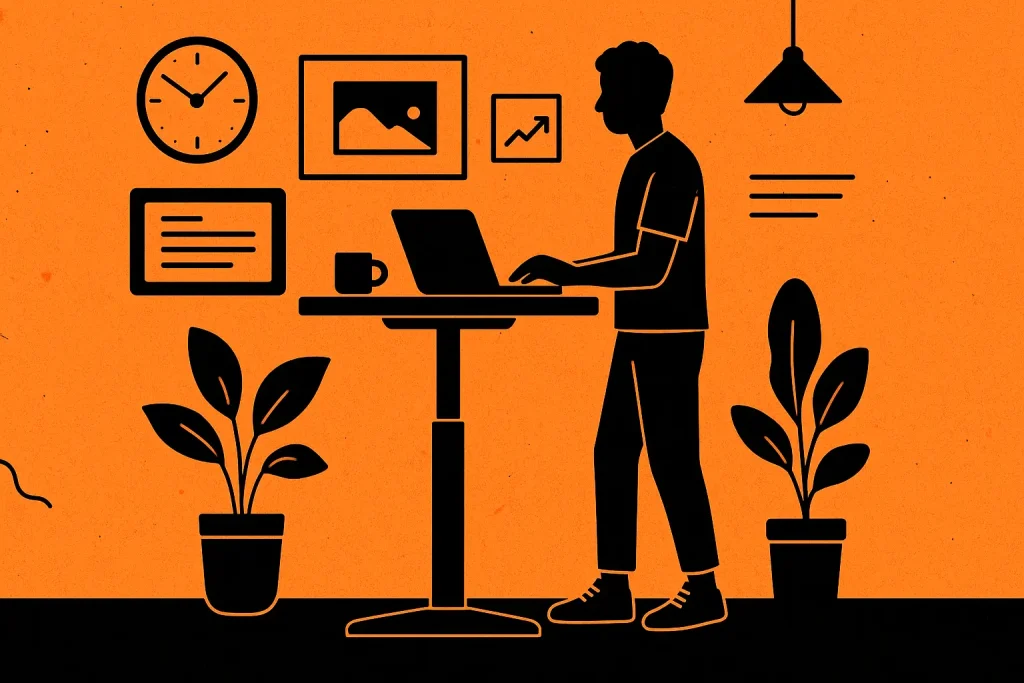
A standing desk is exactly what it sounds like. It’s a workstation designed to let you work while standing up.
Some models stay at a fixed height. Others adjust, allowing you to alternate between sitting and standing throughout the day. The adjustable versions are often called sit-stand desks or height-adjustable desks.
The concept isn’t new. In fact, famous figures like Leonardo da Vinci, Ernest Hemingway, and Winston Churchill all worked at standing desks. What has changed is the modern understanding of why they’re beneficial and the technology that makes them more accessible.
The Science-Backed Benefits of Standing Desks
Reduced Back and Neck Pain
Sitting for extended periods puts tremendous pressure on your spine. Your lower back bears the brunt of it.
Several studies have shown that standing desk users report significant decreases in upper back and neck pain. The relief often comes within weeks of making the switch. When you stand, your spine maintains its natural curve more easily. Less compression means less pain.
It’s that simple.
Improved Energy and Mood
Ever notice how sluggish you feel after lunch? That post-meal energy crash gets worse when you’re sitting.
Standing desks combat this fatigue. Users frequently report feeling more energized and focused throughout the day. There’s something about being on your feet that keeps your mind sharper and your body more alert.
Better Posture and Core Engagement
Standing naturally engages your core muscles. You can’t slouch quite as easily when you’re upright.
Over time, this leads to better posture habits that carry over even when you do sit. Your abs, back, and leg muscles all get gentle, continuous engagement throughout the day.
Potential Calorie Burn
Let’s be realistic. A standing desk won’t replace your workout routine.
However, standing does burn more calories than sitting. The difference isn’t massive, typically around 50-80 calories per hour, but it adds up. Over weeks and months, those extra calories burned make a difference.
Lower Risk of Weight Gain and Metabolic Issues
Prolonged sitting has been linked to obesity, diabetes, and cardiovascular disease. When you sit for hours, your body’s metabolic processes slow down dramatically.
Standing keeps your metabolism more active. Blood sugar levels tend to be more stable. Circulation improves. These small physiological changes compound over time, potentially reducing your risk of serious health issues.
Increased Productivity and Focus
Many users report being more productive when using a standing desk. Why?
Standing keeps you slightly more alert. You’re less likely to zone out or get drowsy. Some people find they tackle tasks more decisively when they’re on their feet, treating their work with more urgency and focus.
Types of Standing Desks: Finding Your Perfect Match
Not all standing desks are created equal. Understanding the different types helps you make a smart choice.
Fixed-Height Standing Desks
These desks stay at one height. Period.
Pros:
- Most affordable option
- Extremely stable (no moving parts)
- Simple and durable
Cons:
- No flexibility to sit
- Must be set at exactly the right height for you
- Not ideal if multiple people use the desk
Fixed-height desks work best if you’re committed to standing most of the day and you know your exact ergonomic requirements.
Manual Adjustable Standing Desks
These desks adjust with a hand crank or pneumatic lift. You physically turn a handle to raise or lower the desk.
Pros:
- More affordable than electric models
- No need for power outlets
- Generally reliable with fewer mechanical failures
Cons:
- Adjustment takes effort and time
- Can be tedious to switch multiple times daily
- May not adjust as smoothly with heavier loads
Electric Adjustable Standing Desks
These are the most popular option. Push a button, and motors adjust the height for you.
Pros:
- Effortless adjustment
- Programmable height presets
- Smooth, quiet operation
- Encourages frequent position changes
Cons:
- More expensive
- Requires access to power
- Motors can fail (though quality models are reliable)
If you can afford it, electric models offer the best experience. The ease of switching heights means you’ll actually use the feature regularly.
Desk Converters and Toppers
Can’t replace your entire desk? A converter sits on top of your existing desk, creating an elevated work surface.
Pros:
- Much cheaper than a full desk
- Portable
- Ideal for rental spaces or shared offices
- Easy to remove if needed
Cons:
- Takes up desk space
- Usually smaller work surface
- May not be as stable
- Can look cluttered
Converters are excellent starter options. They let you test whether standing works for you without major investment.
Portable and Mobile Standing Desks
These include rolling carts and laptop stands that can move around easily.
Pros:
- Ultra-portable
- Perfect for small spaces
- Can move to different rooms
- Great for presentations or collaborative work
Cons:
- Often smaller work surfaces
- May not accommodate multiple monitors
- Less stable than stationary desks
How to Choose the Right Standing Desk for Your Needs
Overwhelmed by options? Let’s break down the decision-making process.
Consider Your Budget
Standing desks range from $100 converters to $2,000+ premium models. Determine what you can realistically spend.
Remember: this is an investment in your health and productivity. A quality desk that lasts ten years is worth more than a cheap one that breaks in two.
That said, you don’t need the most expensive option. Plenty of mid-range desks ($400-$800) offer excellent quality and features.
Measure Your Space
How much room do you have? Measure carefully.
Consider:
- Desktop width and depth
- Height range when fully raised and lowered
- Clearance for your legs and chair
- Space for monitors, keyboard, and other equipment
Don’t forget about the power cord for electric desks. You’ll need a nearby outlet.
Think About Your Work Setup
What do you actually use at your desk?
- Multiple monitors? You’ll need a wide, sturdy surface.
- Laptop only? A smaller desk or converter might suffice.
- Drawing tablet or design work? Prioritize stability.
- Video calls? Consider models with good cable management.
Make a list of everything that needs to fit on your desk. This prevents buying something too small.
Check the Height Range
This is crucial. The desk must adjust to the right height for both sitting and standing.
Most people need a standing height between 38-50 inches, depending on their height. When standing, your elbows should be at a 90-degree angle when typing.
For sitting, standard desk height is around 28-30 inches. If you’re particularly tall or short, verify the desk’s minimum and maximum heights will work for you.
Evaluate Build Quality and Stability
A wobbly desk is worse than no standing desk at all.
Look for:
- Solid frame construction (steel is best)
- Weight capacity that exceeds your setup’s weight
- Reviews mentioning stability at full height
- Warranty coverage (longer is better)
Cheaper desks often sacrifice stability. If the desk shakes when you type, you’ll hate using it.
Consider Ease of Adjustment
How often will you change positions? If you plan to switch several times daily, electric adjustment is almost essential.
Manual cranks get old fast. Be honest about whether you’ll actually use them regularly.
Some electric desks offer memory presets. You push one button, and the desk moves to your perfect sitting or standing height. This feature dramatically increases how often you’ll actually adjust the desk.
Look for Practical Features
Bonus features that add real value:
- Cable management systems keep cords tidy
- Keyboard trays improve ergonomics
- Monitor arms free up desk space
- Collision detection prevents the desk from crushing objects
- Quiet motors matter in shared spaces
Don’t pay for features you won’t use. But do consider which conveniences actually improve your daily experience.
Read Real User Reviews
Skip the marketing hype. Read reviews from people who’ve used the desk for months or years.
Pay attention to:
- Long-term durability reports
- Customer service experiences
- Assembly difficulty
- Any recurring issues or failures
A few negative reviews are normal. But patterns of the same complaint are red flags.
Start Exploring Quality Options
Ready to find your perfect standing desk? Browse a wide selection of standing desks designed for every workspace to compare features, prices, and styles that fit your specific needs.
Making the Most of Your Standing Desk
Buying the desk is just the beginning. Using it correctly matters just as much.
Don’t Stand All Day
This surprises people. Standing all day isn’t the goal.
Too much standing can cause leg fatigue, foot pain, and varicose veins. The sweet spot is alternating between sitting and standing throughout the day.
Most experts recommend starting with 30-60 minutes of standing per hour. Gradually increase as your body adapts.
Use an Anti-Fatigue Mat
Standing on hard floors gets uncomfortable quickly. Anti-fatigue mats provide cushioning that reduces stress on your feet, legs, and back.
They’re inexpensive and make a huge difference in comfort. Don’t skip this accessory.
Wear Supportive Shoes
Those stylish but uncomfortable shoes? They’ll punish you when standing.
Invest in quality footwear with proper arch support. Some people keep a dedicated pair of comfortable shoes at their desk specifically for standing time.
Maintain Proper Ergonomics
Standing doesn’t automatically mean good posture. Pay attention to:
- Monitor height: Top of screen at or slightly below eye level
- Keyboard position: Elbows at 90 degrees, wrists neutral
- Distance from screen: About arm’s length away
- Standing posture: Weight evenly distributed, knees slightly bent
Poor ergonomics while standing can create new problems.
Listen to Your Body
Some days you’ll want to stand more. Other days, less. That’s normal.
If your feet hurt, sit down. If your back feels stiff, stand up. Your body knows what it needs. Don’t force yourself into rigid routines.
Start Slowly
Your body needs time to adapt. Don’t go from sitting all day to standing for hours immediately.
Start with short standing sessions. Add 10-15 minutes each week. Within a month or two, you’ll find your natural rhythm.
Is a Standing Desk Right for You?
Not everyone benefits equally from standing desks. They’re particularly valuable if you:
- Experience back or neck pain from sitting
- Feel sluggish and unfocused in the afternoon
- Want to be more active during your workday
- Have a sedentary job with long computer hours
- Want to improve your posture
However, standing desks aren’t magic. They work best as part of an overall healthy lifestyle that includes regular exercise, good nutrition, and adequate sleep.
The Bottom Line
Standing desks offer real benefits, but only if you choose the right one and use it properly.
Focus on quality over gimmicks. Get a desk that fits your space, budget, and work style. Make sure it adjusts easily and feels stable.
Then use it wisely. Alternate between sitting and standing. Pay attention to ergonomics. Listen to your body.
Your back, neck, and overall health will thank you. The investment pays dividends in reduced pain, increased energy, and better focus.
Ready to make the switch? The right standing desk is waiting. Your body deserves better than eight hours of sitting.